
Connect with Suppliers. Maximise Your Time with Source Fashion App.

Sub Hero


Discover, connect, and maximise how you win at the show.

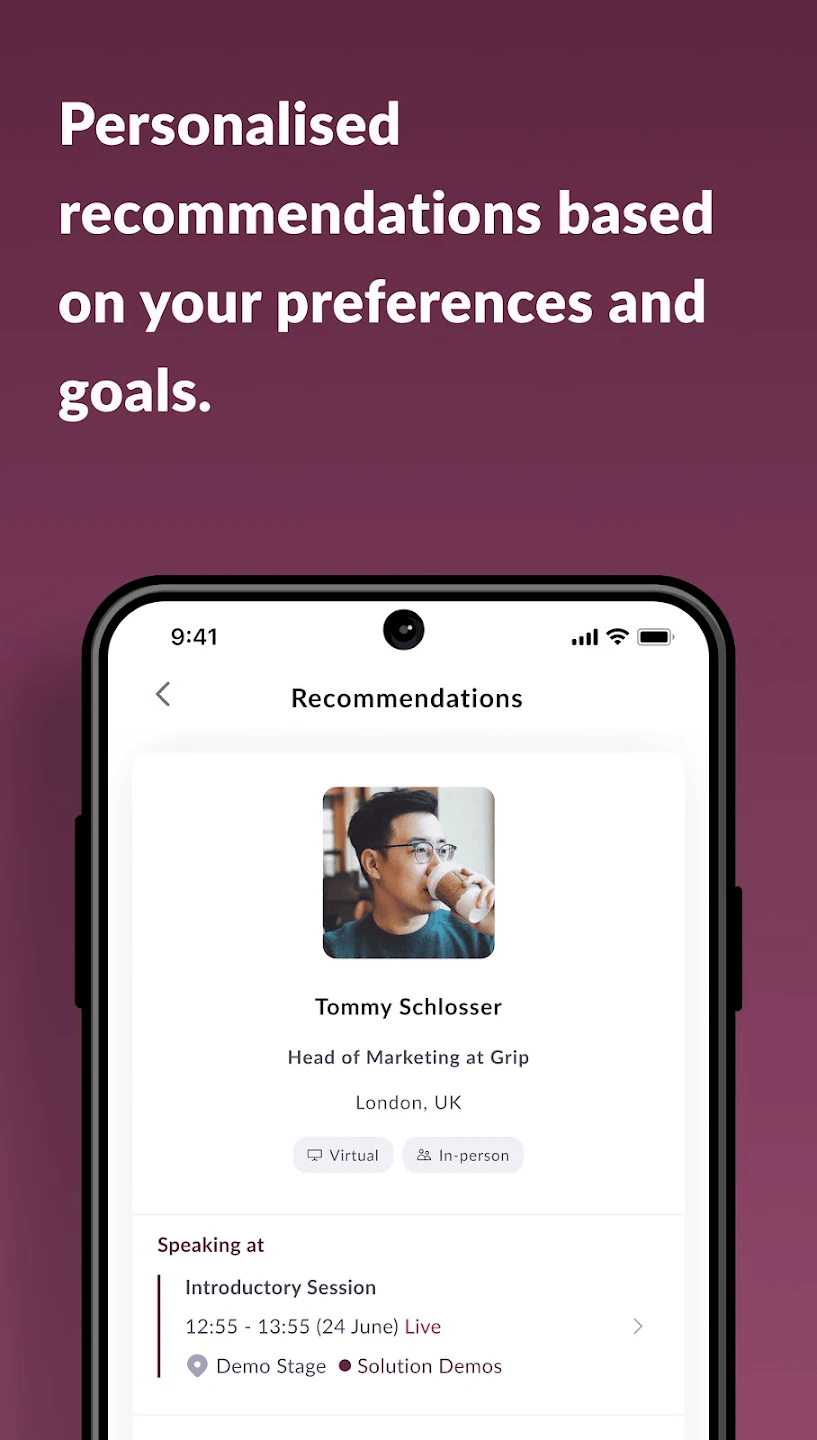
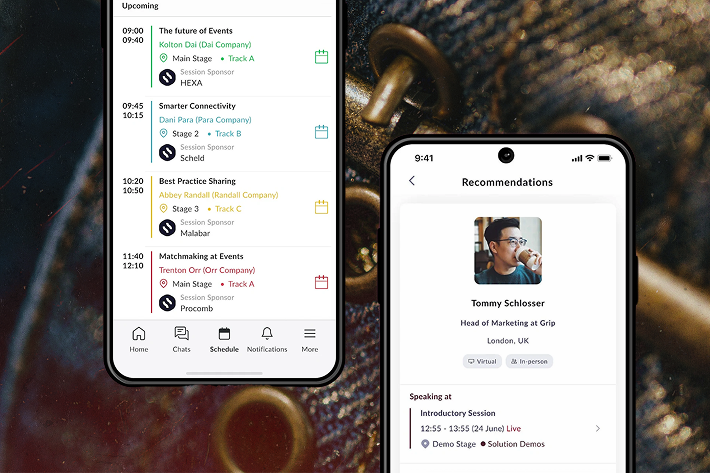
The Source Fashion app helps buyers and exhibitors discover suppliers, schedule meetings and navigate the show efficiently. All in one place.

Download before you arrive to plan meetings and save time onsite!

  • Free download the App for Your Visit
  • Get the App & Plan Your Meetings
  • Access Exhibitors & Schedule Meetings


Download on App Store | Google Play.
Download Source Fashion Official Show App

Who is the Source Fashion app for? 

  • Retail buyers
  • Sourcing and procurement teams
  • Product developers and designers
  • Exhibitors and sales teams
  • Fashion brands looking to meet manufacturers

What You Can Do With the App

Sourcing fashion app
  • Search and filter fashion suppliers and manufacturers
Sourcing fashion app
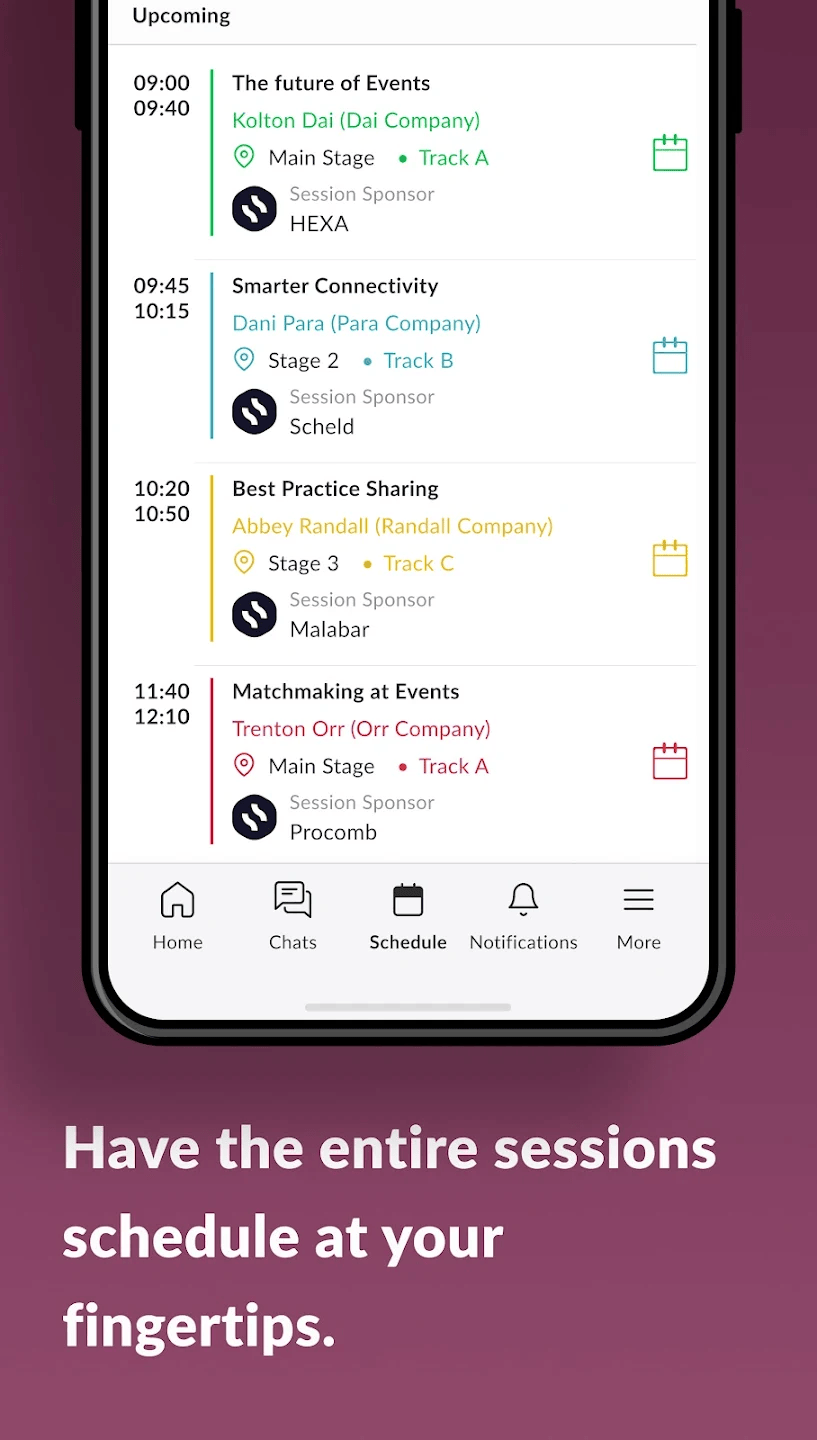
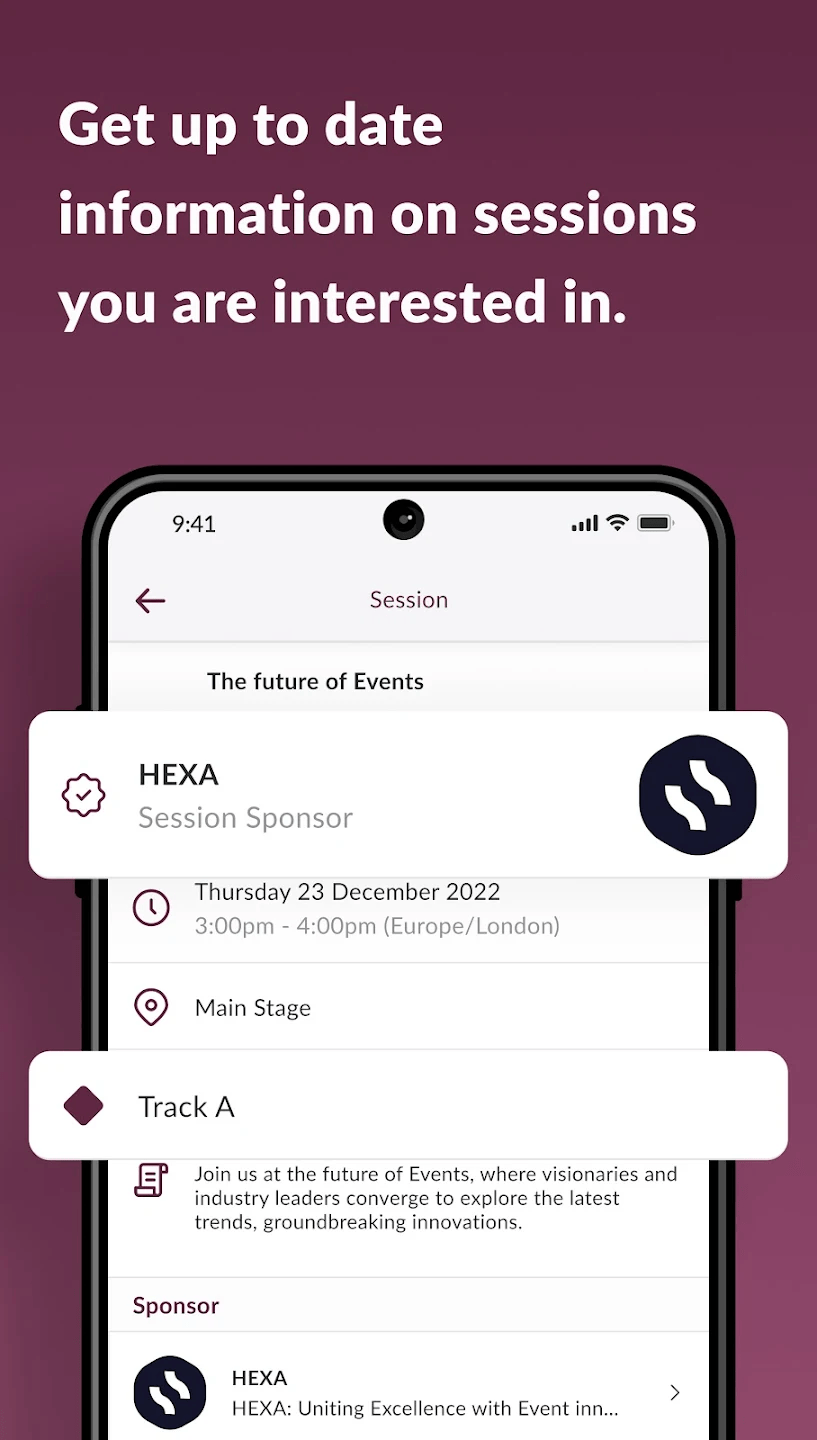
  • Access seminar schedules and event updates
  • Navigate Excel London with an interactive floor plan
Sourcing fashion app
  • Book meetings with suppliers directly
  • Save exhibitors and plan your visit in advance
Sourcing fashion app
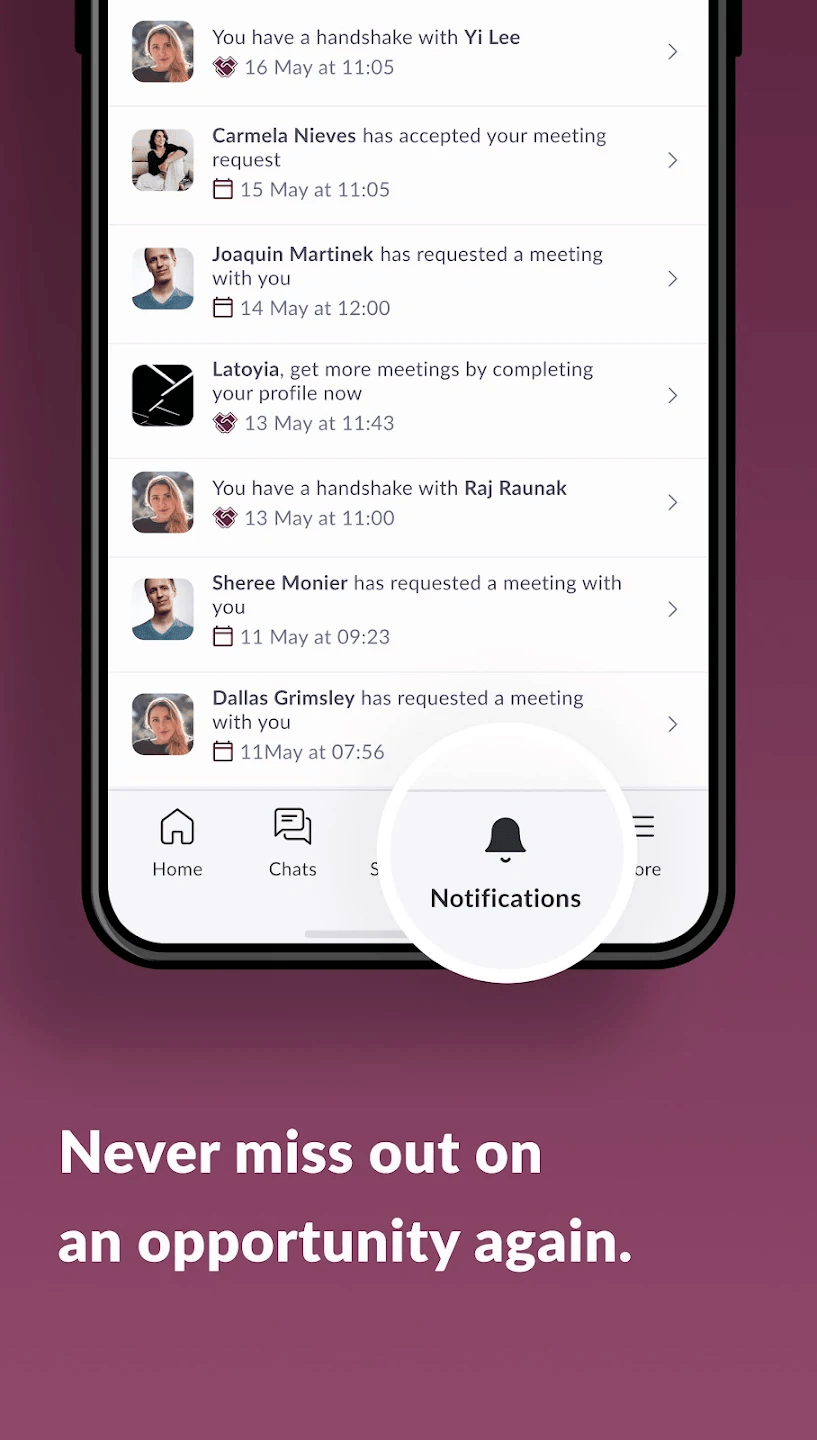
  • Set the notification to notice the time is coming

How to Access the App

Note: The Source Fashion 2026 app is available to download.

Register for Source Fashion: Ensure you're registered for the event.

Download the App: Available on App Store and Google Play.

Sourcing tool for visitors & exhibitors


Visitor Guide

  • Plan your schedule ahead of the event
  • Navigate the show floor
  • Discover the exhibitors most suited to your business
  • Bookmark favourite exhibitors
  • View the agenda and save sessions you want to attend
  • Arrange meetings and view your schedule


DOWNLOAD VISITOR GUIDE


Exhibitor Guide

  • Create meetings on behalf of team members' behalf
  • See a full list of team meetings
  • Manage inbound leads.
  • See profiles who’ve shown interest, connected or interacted with you or your team members and/or company profiles.
  • Convert those leads into contact by booking a meeting or connecting through the app.
  • Use the company chat to send messages directly to your company profile page (any team member can reply to these messages)
  • View all company contacts
  • Manage team members availability
  • Export meetings and connections


DOWNLOAD EXHIBITOR GUIDE

FAQs

What is the Source Fashion Official Jan 2026 Show App?

The App is an advanced AI platform powered by Grip. The platform uses advanced algorithms to constantly learn about a user’s professional goals and interests to provide bespoke recommendations.

Where can I find the App?

Coming soon for the January 2026 Source Fashion show and will be available to download from the Apple Store and Google Play. You can access the platform on mobile devices or your desktop.

How do I log into the App?

To login to the app you first need to register for your free ticket to the show. Then look out for a separate email from Source Fashion which will contain your log-in details. Use the temporary password you're given, then click on the app settings and change the password to a memorable one.

What details of mine are displayed in the platform?

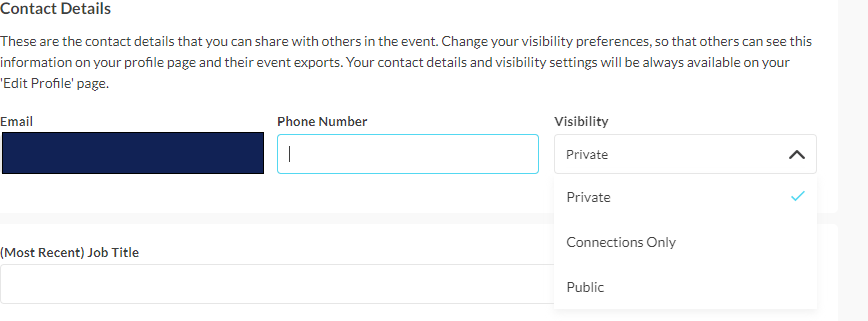
The platform will display your professional information including name, job title and company. Information such as telephone number, email address or mail address by default will not be displayed however users have the option to update their contact details to connections only or public under 'edit your profile'.

Contact details screenshot

Can I export my connections?

Yes! You can export connections on the web platform only (toggle to user icon on web, click on export, there is then an option to export meetings or connections) 

How do I remove my details from the platform?

Removing your details will mean that you are unable to login or arrange networking opportunities through the platform. However, if you would like to be removed please send your details to support@grip.events using the subject line “Remove from matchmaking” and we will be happy to remove your details

Having trouble logging in?

Most important – make sure you have registered for the event.
Ensure you have the latest version of the app in your phone (check online store either Apple store or Google play). We recommend you also update to the latest version of your software (IOS or Android). Reach out to info@source-fashion.com if the problem persist

How do I request a meeting?

First, find the person you'd like to meet and click on their name to view their profile page, you'll be able to mark them as 'interested' or send a meeting request directly.

Why is there a limit on pending meeting request in the Source Fashion App?

To maintain the quality of networking and ensure meaningful engagements, Source Fashion limits the number of pending meeting requests that can be sent via the app.

These limits are in place to:
 
- Prevent mass spamming of attendees
- Encourage targeted and thoughtful outreach
- Improve response rates and attendee satisfaction

Once pending meetings are either accepted or cancelled, new requests can be made. We also encourage all users to:
 
Use the chat tool to follow up with contacts
Cancel unresponsive pending requests after a few days